CarPlay AI box vs wireless CarPlay adapter
Both plug into the car's CarPlay USB port, and both need the car to have wired CarPlay or wired Android Auto. The difference is what runs inside: an adapter just passes your phone's CarPlay through wirelessly; an AI box is an Android computer that shows its own apps on the car's screen and can also run wireless CarPlay.
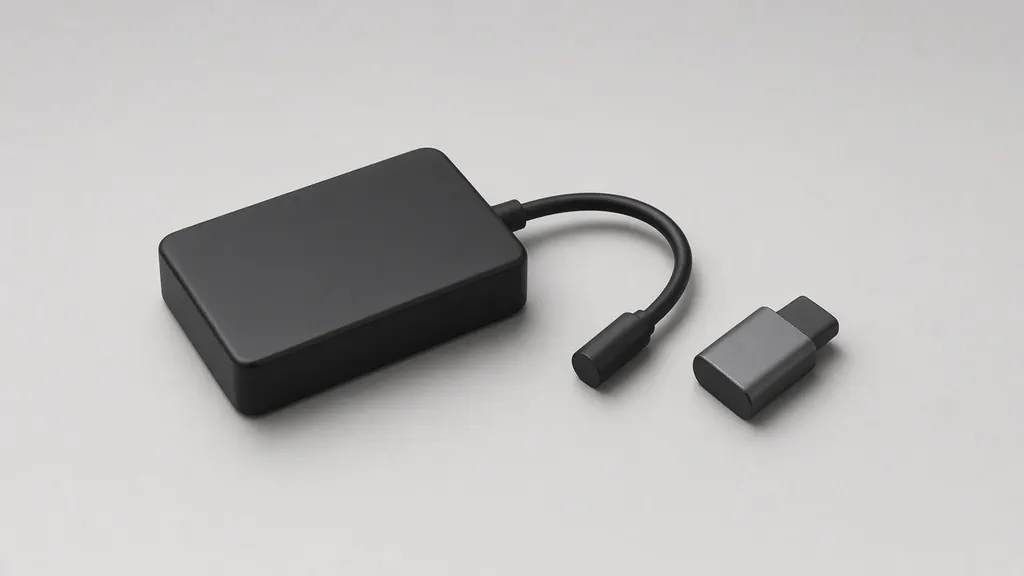
Side by side
| Question | Wireless adapter | AI box (Ottocast P3 Pro as the example) |
|---|---|---|
| Car needs | Wired CarPlay or wired Android Auto | "Factory Wired CarPlay or Wired Android Auto"; "connects through the wired system your car already supports" |
| What it runs | Your phone's CarPlay, passed through | An Android system ("Android 13") with downloadable apps, plus wireless CarPlay and Android Auto |
| Extras | None beyond CarPlay and Android Auto on the models we cover | HDMI output, voice assistant (per Ottocast) |
| Wireless-only cars | Won't work | Ottocast points such cars (e.g. some BMW models) to a different model, the OttoAibox i3 |
| Not compatible | Varies by maker; Ottocast excludes Sony aftermarket units | Sony aftermarket head units (Ottocast) |
Examples, not recommendations: AI box column from Ottocast's OttoAibox P3 Pro page, read Nov 18, 2026. Adapter column from the makers' pages on each adapter page. We don't cover AI boxes in our table.
What they share
Both depend on the car's wired CarPlay or Android Auto: the box or adapter presents itself to the car as a phone on a cable. So the same first test applies — does my car have wired CarPlay? — and the same port rules (which USB port). If your car has no CarPlay at all, neither helps; see cars without CarPlay.
Where they differ
Purpose. An adapter solves one problem: the cable. An AI box adds a second system with its own apps, account sign-ins and updates. Ottocast's P3 Pro page, for example, invites you to "download what you love" and keep everyone entertained.
The BMW case. A BMW runs CarPlay over Wi-Fi only, per BMW's FAQ, so a wireless adapter has nothing to convert (BMW page). Ottocast's own pages make the same point: for factory wireless CarPlay cars "(e.g. some BMW models)" they recommend the OttoAibox i3 rather than an adapter. We haven't read that model's page in full, so we don't describe how it connects.
What's been measured. Our comparison only covers adapters. CarPlay Life publishes separate AI box articles; we haven't used them here, so there are no AI box numbers on this site.
Using apps on the car's screen
An AI box can put video apps on the car's screen. Whether and when that's allowed while driving is a matter of local law and the car's own settings, not of the box; we don't give advice on it. If what you want is CarPlay without the cable, the adapter is the simpler device.
How to choose
- You want wireless CarPlay, nothing else: an adapter — start with the checker.
- You want apps on the car screen for passengers: an AI box is the category; read the maker's requirements for your car first.
- You have no CarPlay at all: neither; look at a portable CarPlay screen or a new head unit.
Security questions apply more to an AI box than an adapter, because it runs more software — see adapter security.
Sources checked: Checked Nov 18, 2026 · Updated 2026-11-18 · How this site works