Wireless CarPlay adapter lights up but only charges
If the adapter has power — a light, or its pairing shows up on the phone — but the car never shows CarPlay, the car isn't seeing it as a phone. The two usual reasons: the port only charges, or the car doesn't have wired CarPlay.
Checks, in order
- Test the port with a cable. Plug the iPhone into the same port with a data cable. No CarPlay? That port doesn't carry it — try the others (which USB port). Ottocast's pages say its adapters need "a USB data port (not a charge-only port)".
- No port gives CarPlay with a cable? Then the car has no wired CarPlay, and no adapter will help (two-step test). Check whether the car supports Android Auto only, or nothing — cars without CarPlay.
- The right port, still nothing? Remove any USB-C to USB-A adapter you added and use the one from the box, or the cable. Apple warns that some mixes of adapters, cables and car systems can interrupt wired CarPlay.
- Restrictions. Apple: Screen Time › Content & Privacy Restrictions › Allowed Apps — make sure CarPlay is on.
- Car settings. Some cars have a setting to enable CarPlay or smartphone projection; your manual has it.
About charging
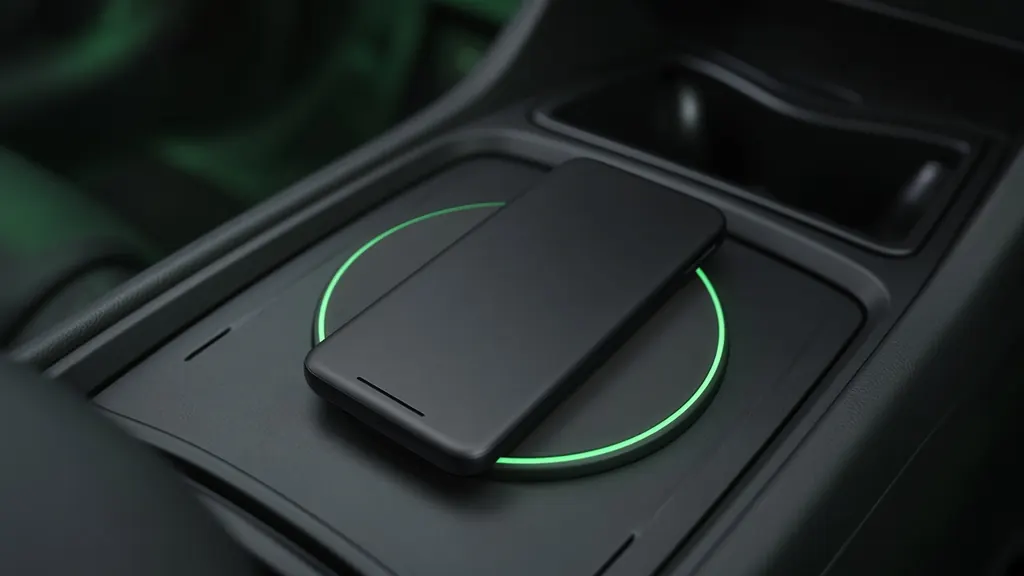
An adapter doesn't charge your phone — the phone is no longer on a cable. If what you really wanted was charging plus CarPlay, keep the phone on a second port, a 12 V charger or the car's pad (charging your phone).
Owner reports on X: 2 of the 58 reports we read (Nov 18, 2023 to Nov 18, 2026) describe charging the phone — unspecified (cheap), Nov 13, 2025; post, Feb 25, 2024. A small sample: counts, not rates.
Sources checked: Checked Nov 18, 2026 · Updated 2026-11-18 · How this site works